Disclosure: Epomaker was kind enough to send this unit to me for review purposes, but all the words and opinions here are entirely my own.
First Impressions
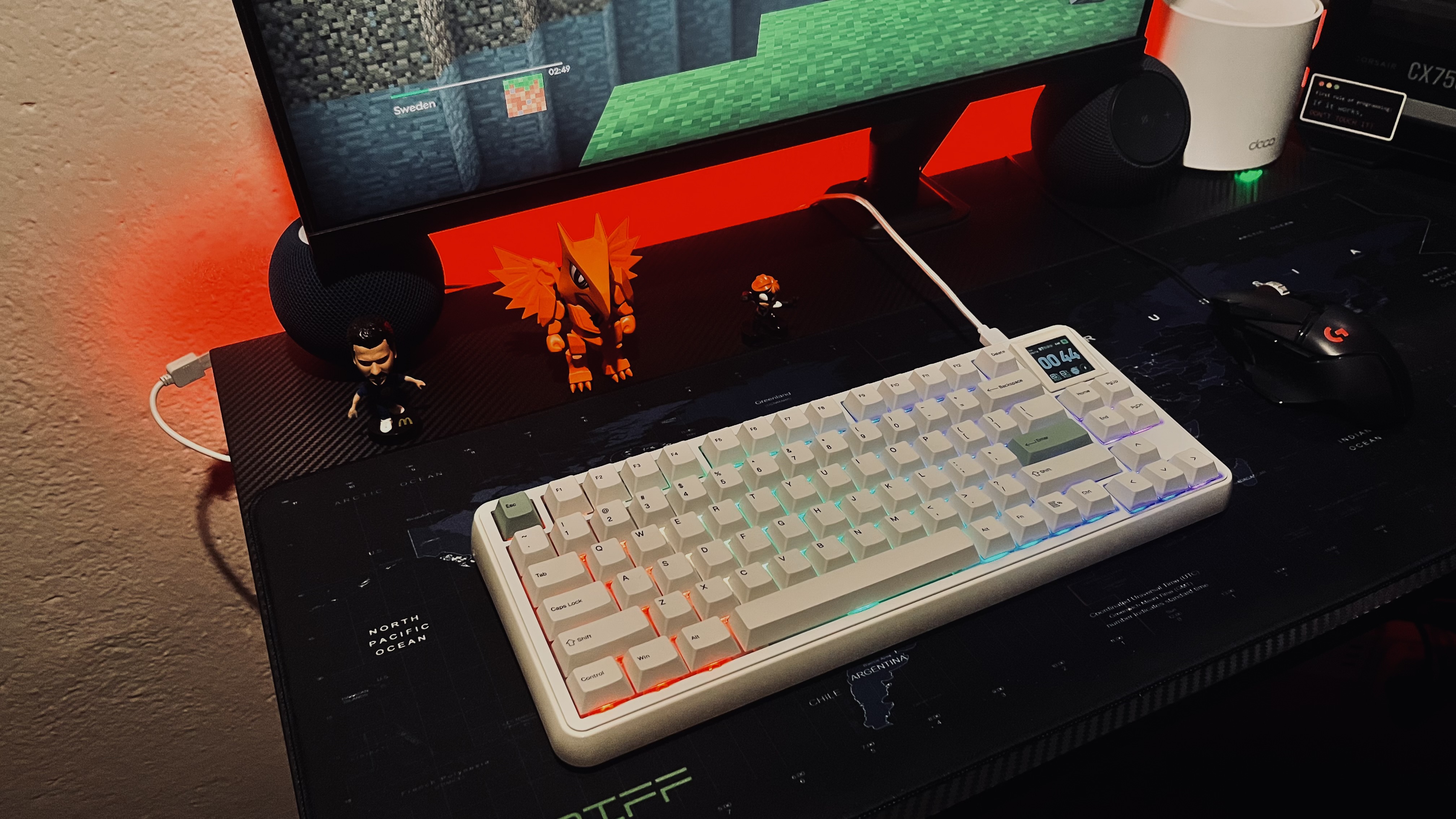
I'll just say it: the RT75 knows it's a good-looking keyboard. It's got style, a gasket-mounted plate, and three connectivity modes (Bluetooth, 2.4GHz, and USB-C wired). The 1.54" TFT screen handles GIFs, pictures, a clock, or system info, but you can actually swap it out for four traditional keys if you prefer an old-school look.
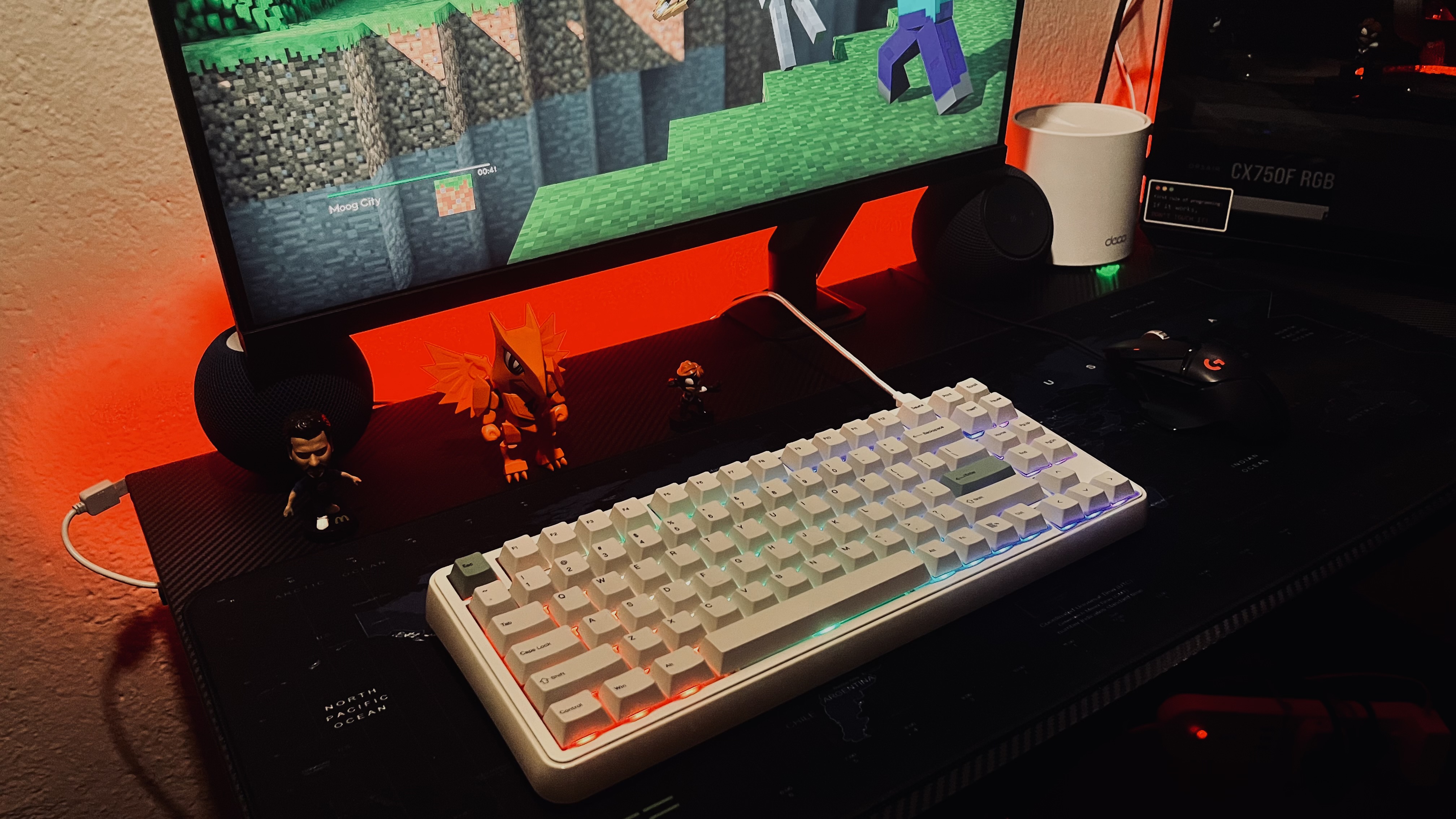
At around 1165g with a fixed 5.8° typing angle, the RT75 feels incredibly solid on my desk without feeling like a heavy brick.
The Star of the Show: Creamy Jade Switches
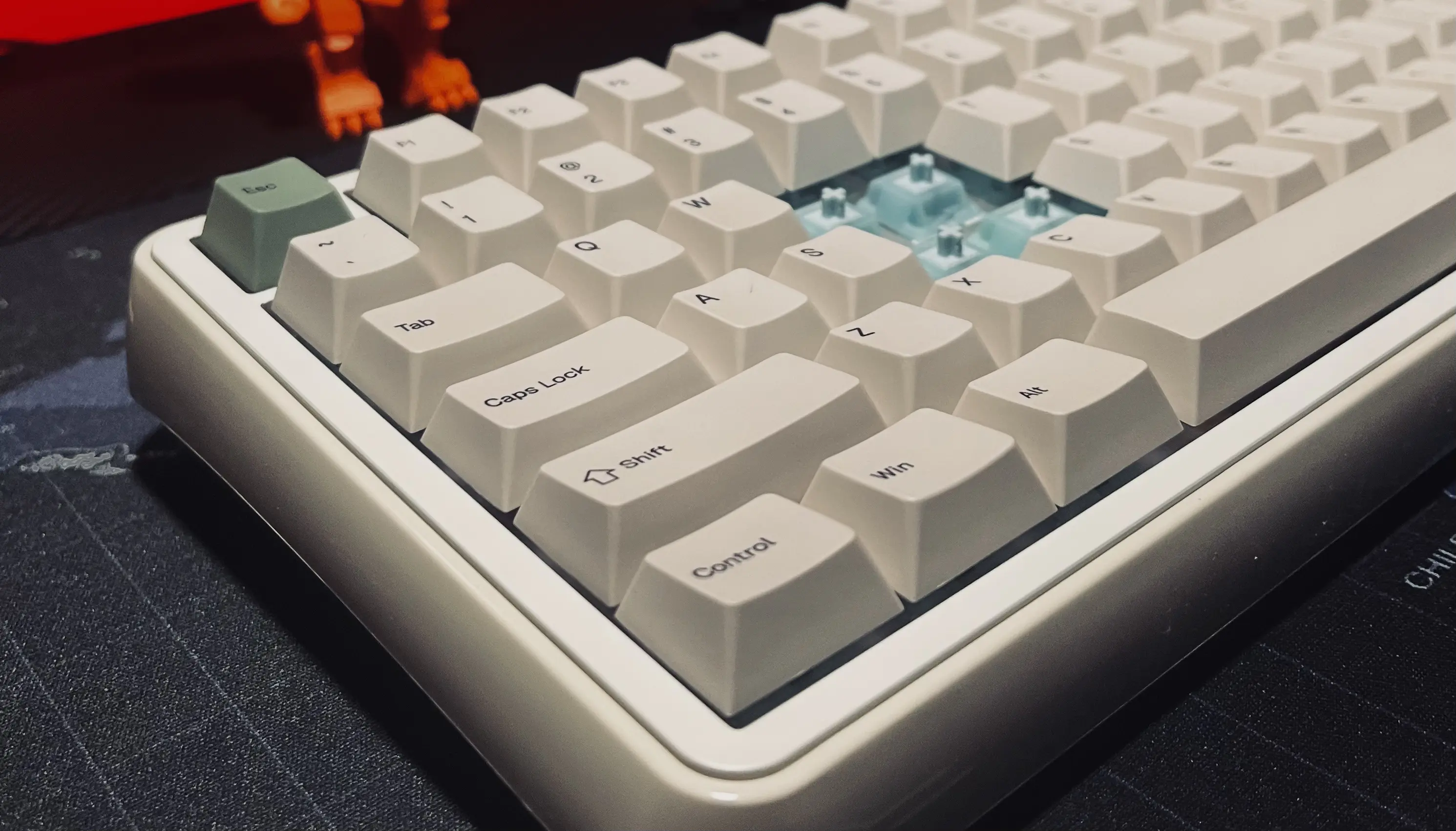
Now let's talk about the magic: the Creamy Jade switches. These are 45gf linear switches that come factory-lubed. The board is hot-swappable, so you can easily change them later if you want to experiment with something else.
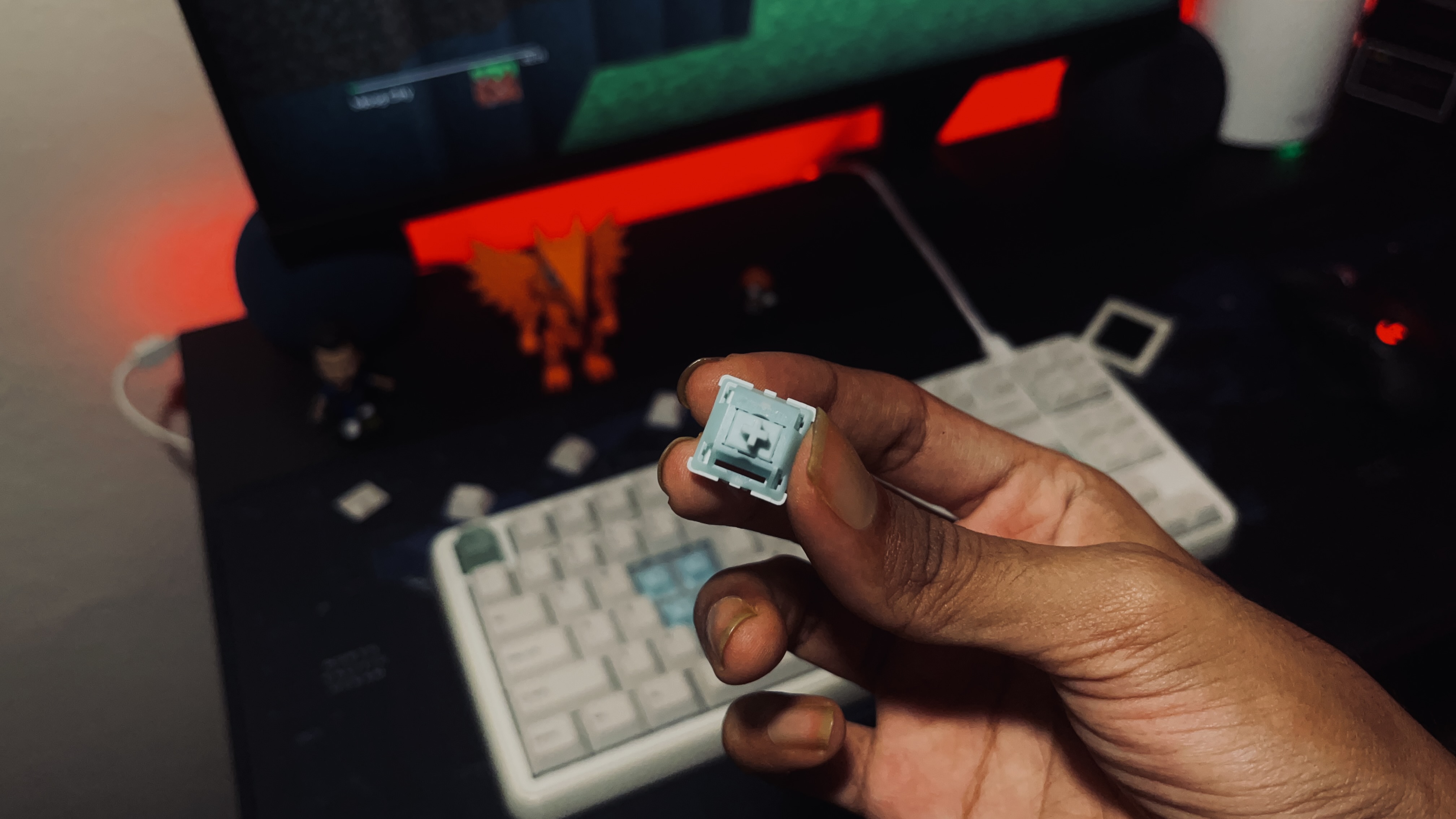
The Creamy Jades are smooth and buttery. When you combine them with the 6-layer gasket foam, PET sound layers, and silicone bottom, you get a deep, satisfying "thock" instead of a thin, hollow noise. Epomaker claims these switches are louder and punchier than their Crystal line, and I absolutely agree. This keyboard wants you to hear it.
Typing & Gaming Feel
Typing on the RT75 is actually a lot of fun. The Cherry-profile PBT keycaps feel great and won't get greasy or shiny after a few months. Epomaker even includes Mac keycaps in the box. My fingers don't get tired during long writing sessions, and the linears feel fast and snappy.
For gaming, the RT75 hits a 1000Hz polling rate and 4ms latency over wired and 2.4GHz connections. On Bluetooth, that drops to 125Hz and 16ms latency, which is something to keep in mind for fast-paced games. The included braided cable supports up to 8K polling. If you just want to play games without noticeable lag, the RT75 has you more than covered.
RT75 SOUND TEST
Creamy Jade switches
Headphones recommended.
Software & Extras
The onboard memory saves your settings so you don't have to redo them when you switch devices. The hot-swap PCB lets you change your switches later without a soldering iron, and you get per-key RGB customization.
Download the official EPOMAKER RT75 driver →
CHARGING NOTE
🔋 Quick friendly reminder: The RT75 packs a hefty 5000mAh battery, which is great for long battery life, but please be patient when charging it. Avoid plugging it into a high-output wall adapter (like a fast-charging phone brick) the PCB isn't built for that kind of power and it can fry the board. Stick to charging it via your PC and you'll be fine.
The Nitpicks
- The case is ABS plastic rather than aluminium. That keeps the price low, but it picks up fingerprints easily and obviously doesn't feel as premium as a metal board.
- The plate doesn't have flex cuts, so the typing feel is a bit stiff compared to boards explicitly designed to be bouncy.
- The Bluetooth connection is noticeably slower than wired or 2.4GHz, which matters if you try to game on it.
- The 5.8° typing angle is fixed. Coming from my Epomaker x Aula F75 Max, which has adjustable feet, my wrists took a few days to adjust. It's not a dealbreaker — my dad uses the RT75 for office work with zero complaints.
- Unlike the F75 Max, there's no physical switch to change your connection mode. You have to use keyboard shortcuts to hop between Bluetooth, 2.4GHz, and wired. It works fine, but it's just not as immediate as flipping a switch.
Verdict
The RT75 with Creamy Jade switches is one of those keyboards that makes you reconsider your relationship with typing as a chore. It's well-built, sounds great, feels even better, and doesn't demand a small loan to own. If you're in the market for a keyboard that's equal parts functional and "let me just type one more sentence for fun," this one earns a spot on the desk.
RATING: 4.5/5
Docked half a point because now I have to explain to my other keyboards why they've been benched.