Review Transparency
This keyboard was purchased entirely with my own money. It was not provided by EPOMAKER, AULA, or any retailer for review purposes. All opinions shared in this review are based on my personal experience after using the keyboard in daily productivity, gaming, and content creation workflows.
Specifications Overview
- Layout: 75%
- Switches: LEOBOG Reaper (pre-lubed linear, hot-swappable)
- Keycaps: Cherry-profile double-shot PBT
- Plate: PC plate
- Mount: Gasket mount with five-layer sound dampening
- Connectivity: USB-C wired, 2.4GHz wireless, Bluetooth 5.0
- Polling rate: 1000Hz (USB-C and 2.4GHz) / 125Hz (Bluetooth)
- Latency: 3ms wired / 7ms 2.4GHz / 18ms Bluetooth
- Display: TFT screen (battery, connection mode, time, custom GIFs)
- Knob: Multifunction rotary knob
- Battery: 4000mAh
- NKRO: Yes
- Case: ABS plastic
- RGB: South-facing per-key RGB
First Impressions
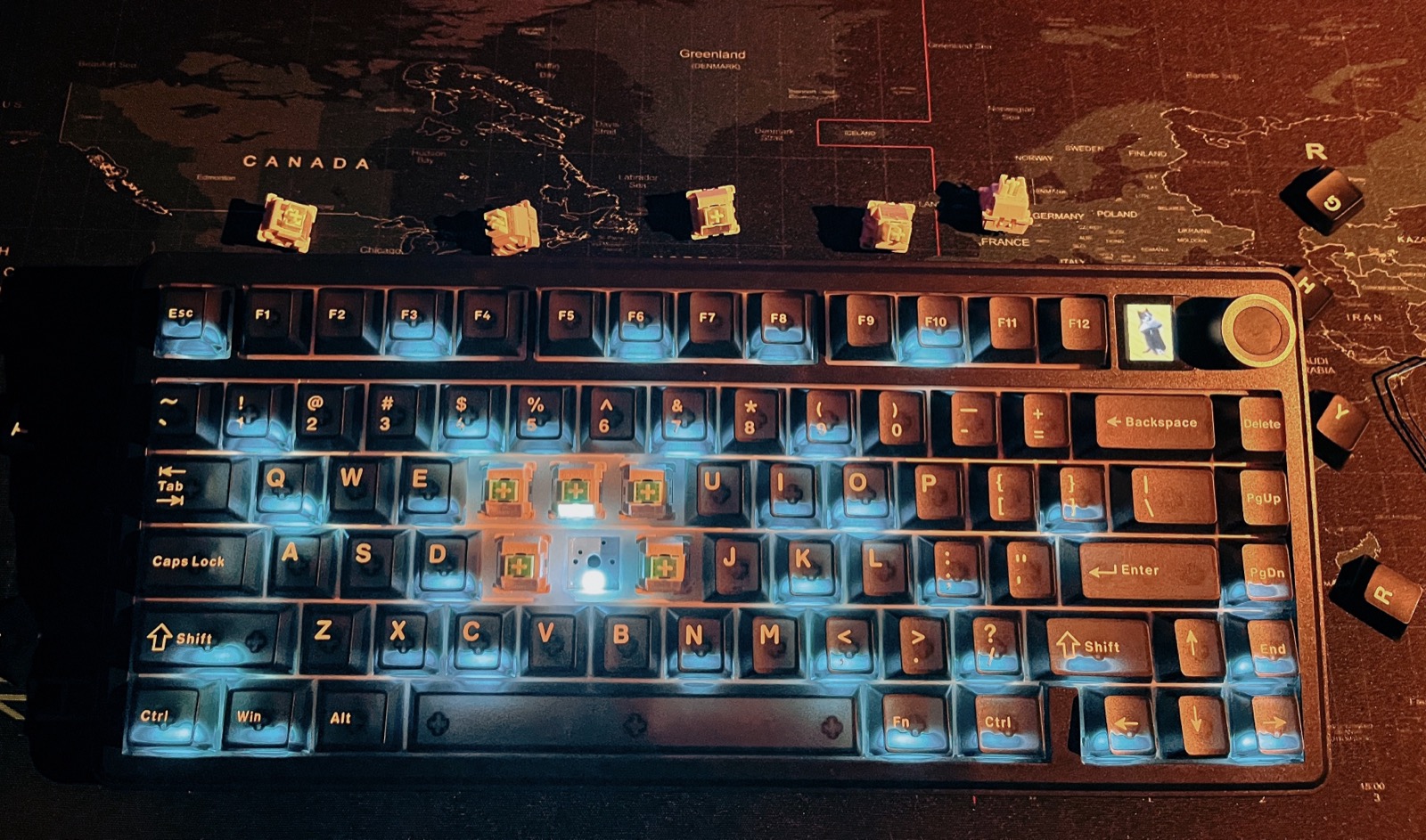
The F75 Max arrives with a personality. The moment you pull it out of the box, your eyes go straight to the small TFT display on the top right. It isn't just for show — it displays the time, connection mode, or battery status depending on how you set it up. It's a fun little statement that this keyboard knows it's not just a basic typing tool.
The rest of the board feels just as good. The frame is solid, the keycaps look great, and nothing about the build makes it feel cheap.
Design & Build Quality
The F75 Max uses a 75% layout, keeping the function row and core cluster but dropping the numpad. It's a clean, familiar setup that works beautifully for both typing and gaming.
The case is ABS plastic. That helps keep the price down, even if it doesn't have the heft of an aluminium board. The gasket mount absorbs typing impact nicely, giving it a softer, bouncier feel than a rigid plate. Five layers of sound dampening work with the PC plate to shape the board's surprisingly deep sound profile.
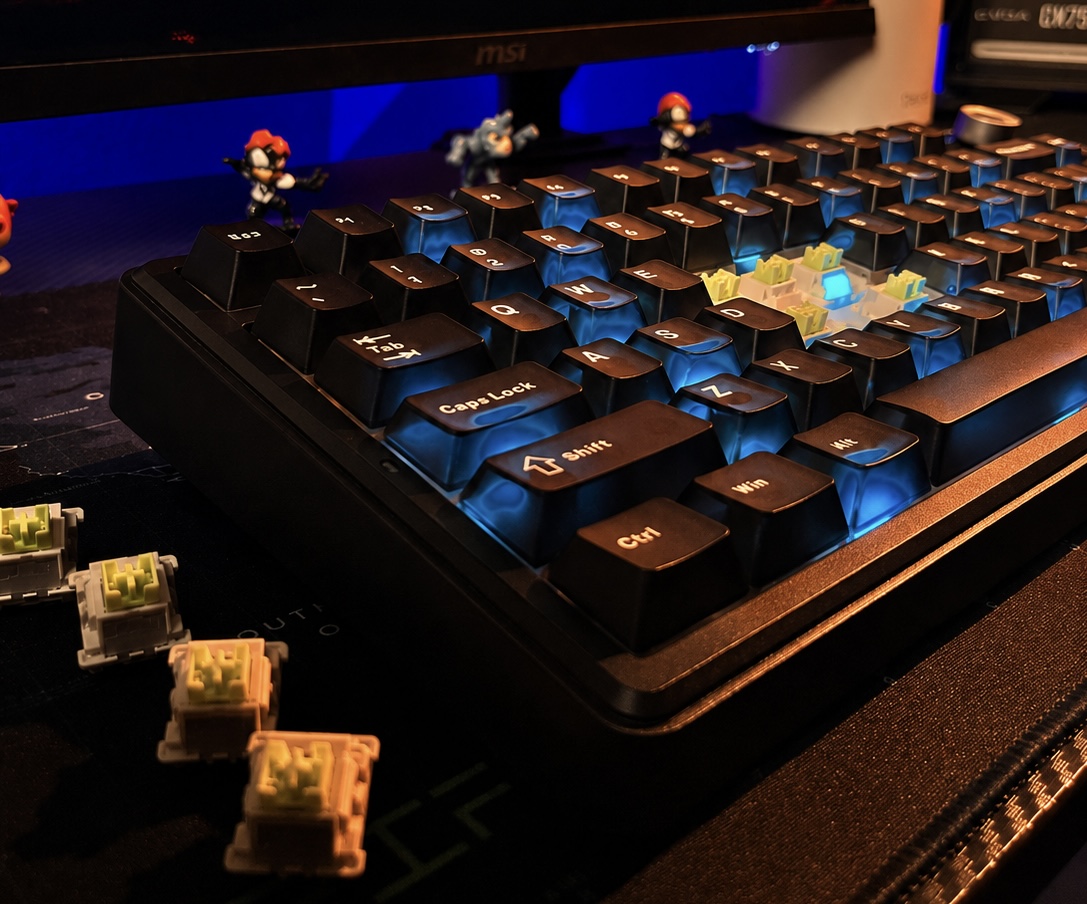
You get a braided USB-C cable, a switch puller, and a keycap puller in the box. It's a useful set of accessories since the hot-swappable PCB lets you change switches down the line without ever needing a soldering iron.
Typing & Gaming Feel
The LEOBOG Reaper switches are pre-lubed linears, and they feel remarkably consistent across the board. The typing experience is smooth, and the gasket mount provides a slightly soft landing that makes longer sessions more comfortable.
The Cherry-profile double-shot PBT keycaps feel solid underhand. The stabilizers are well-tuned without any distracting rattle. The sound signature is deeper and creamier than I expected for a board at this price point, mostly thanks to those five layers of dampening doing their job.
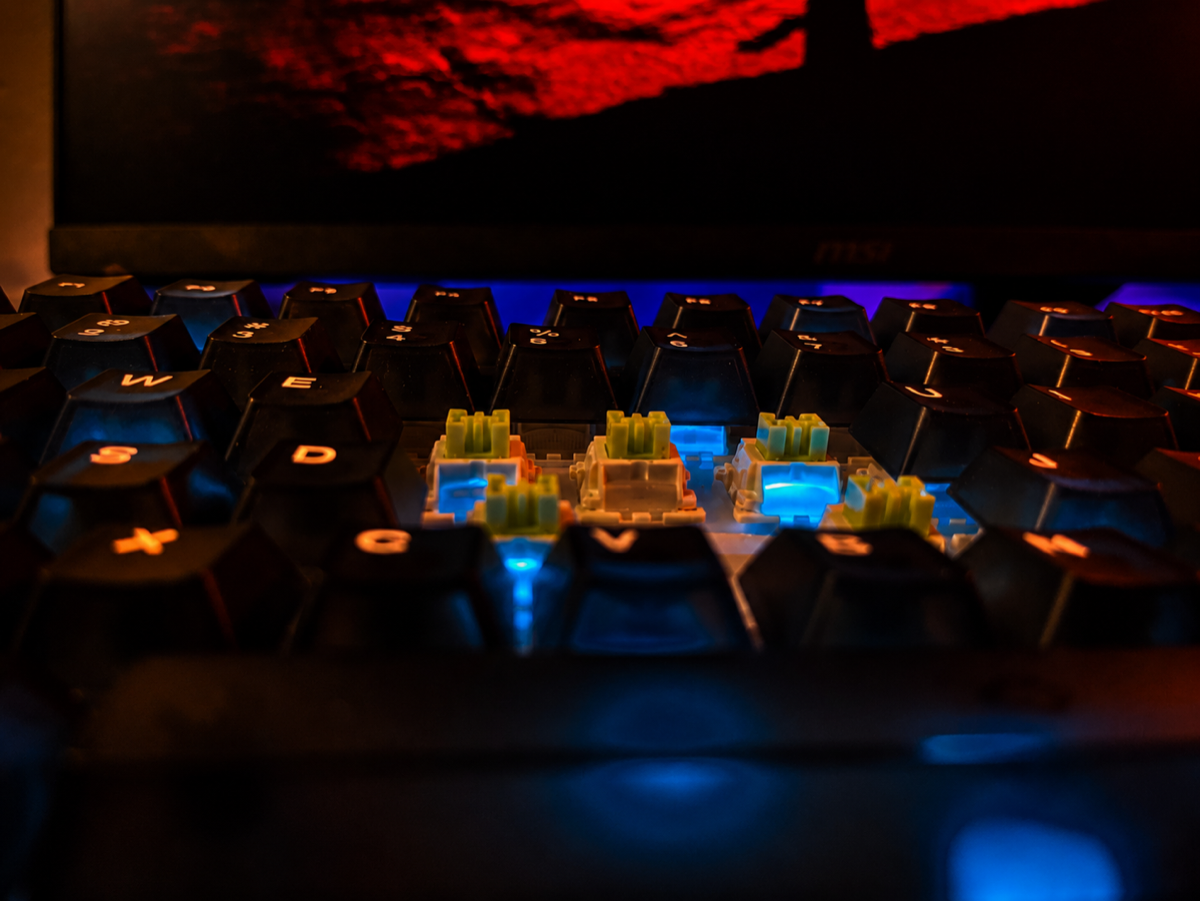
For gaming, the south-facing RGB stays out of the way visually. The board also supports 1000Hz polling over both USB-C and 2.4GHz connections.
The Star of the Show: TFT Display & Multifunction Knob
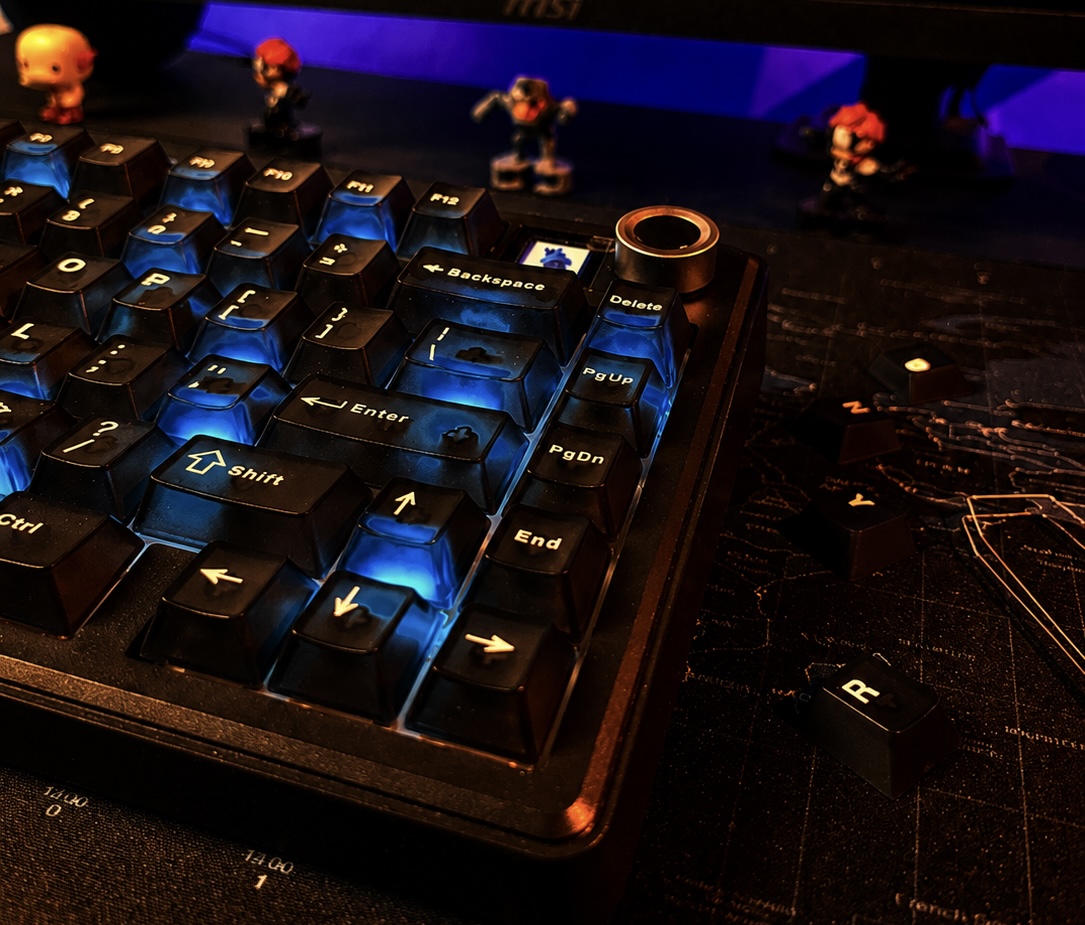
The TFT display sits on the top right and shows practical real-time info like the current time, battery percentage, and active connection mode. You can also load custom GIFs onto it, which is a genuinely fun personalization feature.
The multifunction rotary knob sits next to the display. Out of the box, it handles volume and clicks to mute. My main complaint is the limited customization; you can't assign media functions like next or previous track to the knob, which would have made it significantly more useful.
Wireless & Connectivity
The F75 Max covers all three connection modes:
- USB-C wired — 1000Hz polling, 3ms latency
- 2.4GHz wireless — 1000Hz polling, 7ms latency
- Bluetooth 5.0 — 125Hz polling, 18ms latency
Battery Life
With a 4000mAh battery, the F75 Max easily gets through a day of work without needing a charge. Actual endurance naturally depends on your RGB brightness, display usage, and connection mode.
The TFT display's battery percentage indicator is surprisingly helpful for removing the guesswork, and the keyboard works normally while charging over USB-C.
Charging Note
One important lesson from my own experience: I recommend avoiding charging the keyboard directly from a wall outlet because of the power-delivery issue I personally experienced. Don't ask how I know — I learned this one the hard way. T_T
Software & Extras
The companion software covers the essentials:
- Key remapping
- RGB controls
- Macro assignment
- Display personalisation and custom GIF uploads
Download the official EPOMAKER x AULA F75 Max driver →
The Hardware Issue I Ran Into
During my testing, I ran into an intermittent issue where the TFT screen would occasionally turn completely grey. A power cycle would temporarily bring it back, but the problem returned during further use. I also experienced some unusual behaviour from the multifunction knob.
I contacted EPOMAKER support through Discord before the case moved to the after-sales email team. The email team already had the relevant context and video evidence, so I did not have to repeatedly explain the issue from scratch.
After reviewing the videos and troubleshooting information, the case was escalated to engineering. EPOMAKER's V1.11 firmware was intended to address the screen issue, but on my unit it introduced additional problems with the Fn key and backlight behaviour, so I reverted to Version 10.
After roughly two weeks of testing and communication, EPOMAKER confirmed the hardware issue and issued a free replacement. In my case, the support process was straightforward, and I appreciated that the team reviewed the evidence and ultimately resolved the problem without unnecessary repeated troubleshooting.
F75 Max Sound Test
LEOBOG Reaper switches
Headphones recommended.
The Nitpicks
- The ABS plastic case may feel less premium than aluminium alternatives.
- The TFT display draws additional battery. Battery life varies noticeably depending on display activity and RGB brightness.
- The Bluetooth polling rate (125Hz / 18ms) differs from the wired and 2.4GHz modes (1000Hz / 3ms and 7ms respectively).
- Knob customisation is limited. The inability to assign next/previous track to the knob is a missed opportunity.
Is It Worth the Money?
At its price point, the F75 Max offers a lot:
- A consistent and comfortable typing experience out of the box with the LEOBOG Reaper switches
- Tri-mode wireless connectivity
- A hot-swappable PCB
- A functioning TFT display with practical indicators and GIF support
- A multifunction rotary knob
- Gasket mount and five-layer sound dampening
Verdict
The F75 Max earns its place on my desk with genuinely useful features, comfortable switches, and solid build quality. The TFT display provides real practical value for checking battery and connectivity, while the gasket mount makes the typing experience incredibly consistent during long sessions.
My main gripes are the ABS plastic case and the limited knob customization. If I could map next or previous track controls to the dial, an already good keyboard would be excellent.
But if you want a 75% layout with some real character and features that actually matter, the F75 Max is worth the money.